
Overview
VentOCR is designed to support the full workflow of ventilator waveform analysis on a central server environment.
Users can upload monitor videos, run OCR and waveform extraction, review breath-level outputs, perform secondary analysis, and manage completed analyses in a study-oriented archive.
- Engine-based processing optimized for different ventilator families
- Waveform extraction from monitor videos and respiratory displays
- Browser-based review of breaths and waveform outputs
- Secondary analysis workflow for additional processing modules
- Study / archive management for long-term organization of analyses
- Server-side execution with centralized logs and status monitoring
Main Workflow
- 1. Upload a monitor video
- 2. Select the appropriate ventilator family / engine
- 3. Run primary analysis
- 4. Run secondary analysis if needed
- 5. Review waveform images and breath-level outputs
- 6. Export CSV data and organize results in the archive
Login on this page to start using analysis features.
Quick Start
Select your ventilator family below to begin the guided workflow.
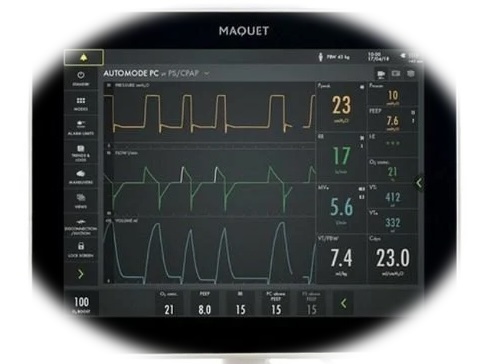
Servo-Series
Guided workflow for Servo ventilators and engine-specific setup.
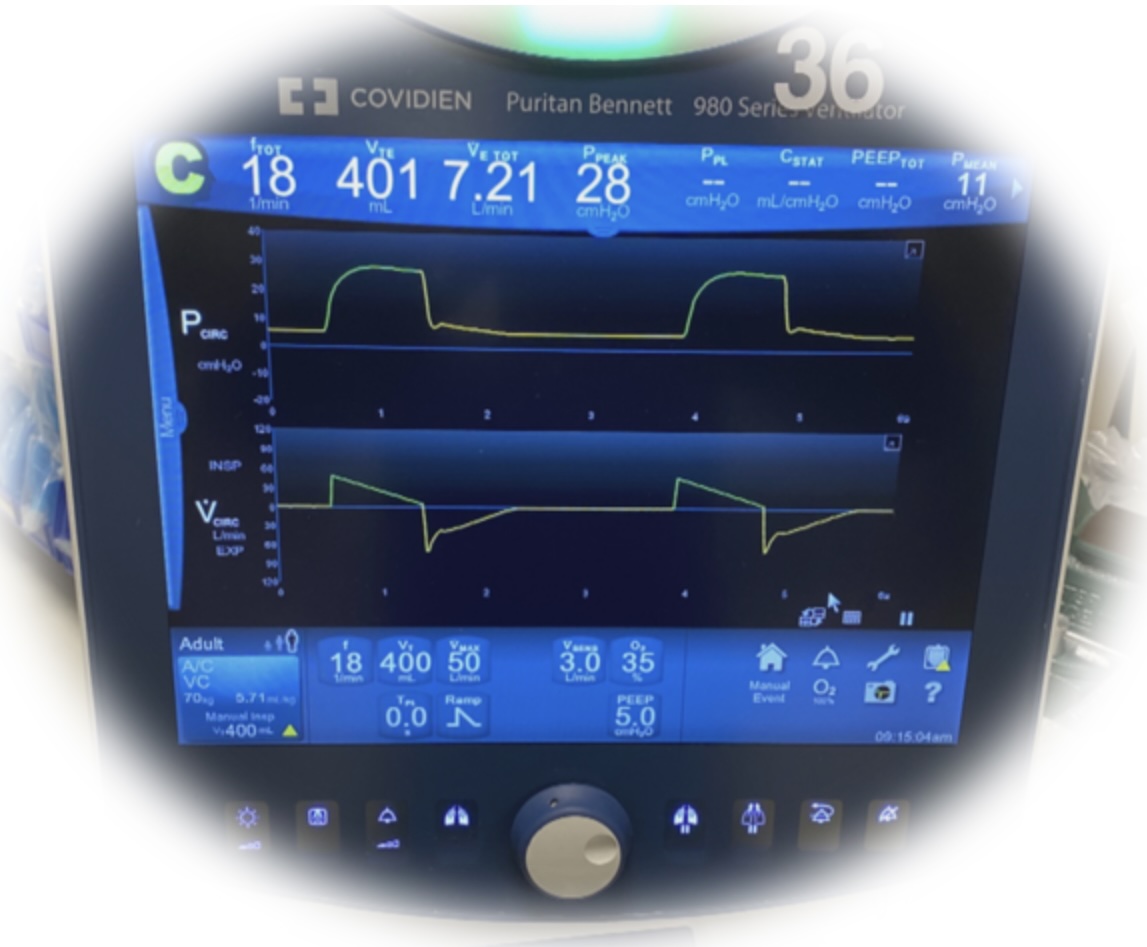
Puritan Bennett Series
Start analysis for Puritan Bennett family devices with matching engine parameters.
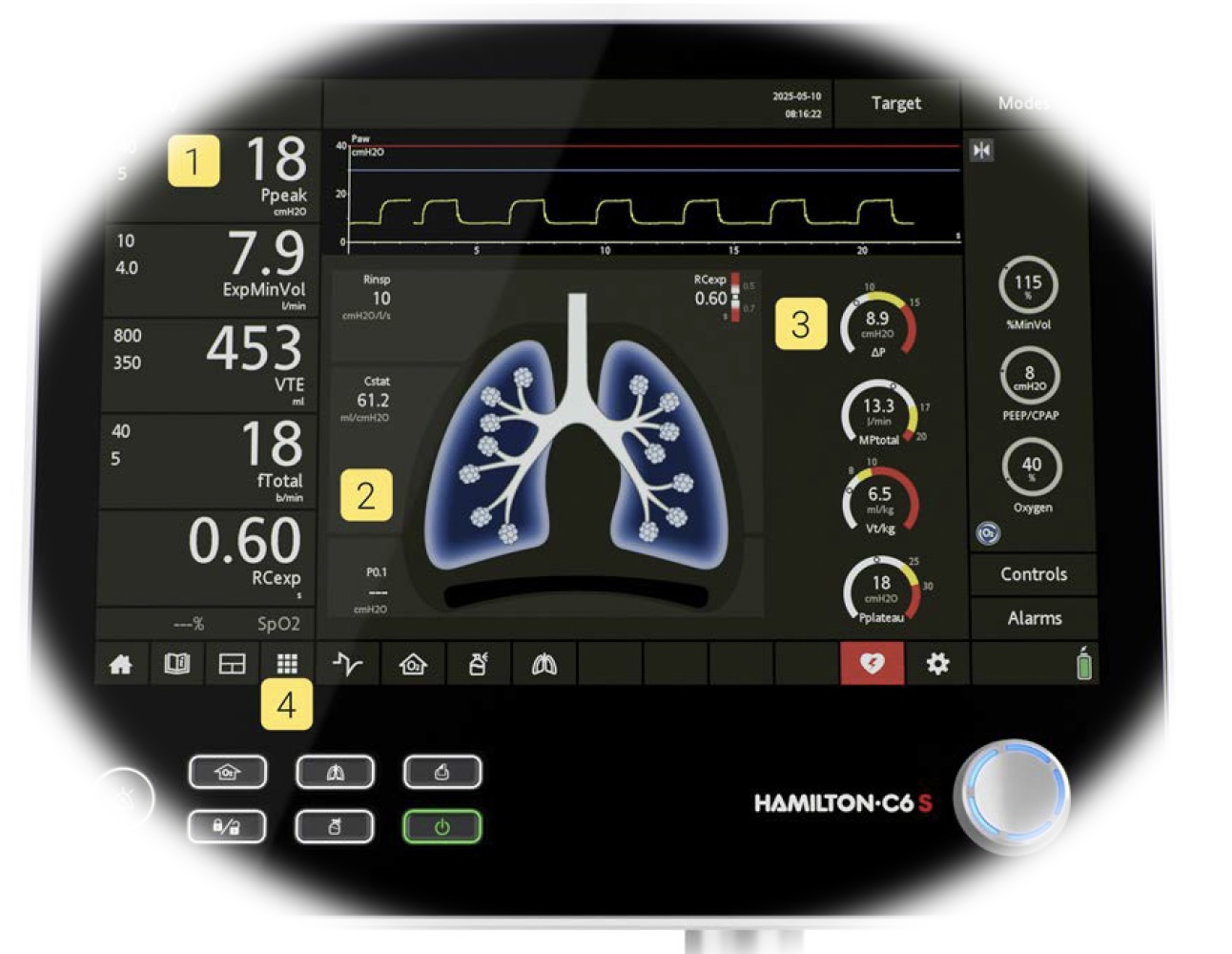
Hamilton Series
Open the Hamilton workflow and proceed with device-specific analysis guidance.
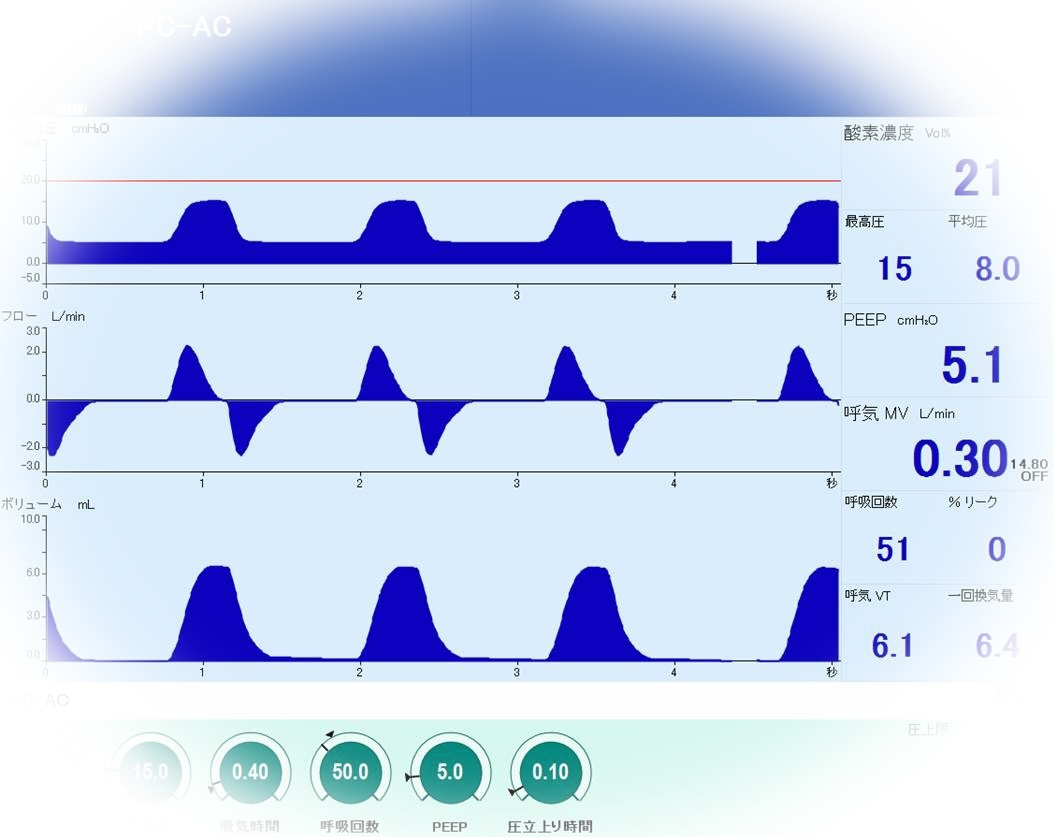
Drager Series
Continue with the Drager workflow and recommended engine settings.
Quick Guide
This section is intended as the fastest way to understand the basic VentOCR workflow.
You can later replace the placeholder below with an embedded tutorial video.
Step 1 — Select device family
Choose the ventilator family that best matches the monitor source before starting analysis.
Step 2 — Upload video
Upload the original monitor video file and prepare it for server-side processing.
Step 3 — Run analysis
Generate OCR results, waveform data, breath segmentation, and related metadata.
Step 4 — Review and export
Inspect output in the browser, perform secondary analysis, and export data when ready.
Tutorial Video Area
Replace this area later with an embedded tutorial video.
Example: how to upload, analyze, review, and export a ventilator recording in VentOCR
Resources & Planned Contents
In addition to the workflow itself, VentOCR will also include archive operations, tutorial resources, release tracking, GitHub linkage, and license-related information.
Study Archive Operations
Manage archived Study IDs and move between saved analyses in a study-oriented structure.
Manage Storage
Review raw uploaded videos and archived analysis folders, check current Archive disk usage, and download or delete stored data.
OpenDemo Video & Tutorial
Provide walkthrough videos and practical guidance for new users and supported ventilator families.
Coming SoonGitHub / License / Terms
Surface release history, repository linkage, and usage information in a structured way.
Coming SoonRecent Updates
Current Version : v0.5.5
- 2026-03-29 - Version 0.5.5 : NAVA v1.1 performance optimization, SplitTwoBreath module, upload/label UI overhaul
- 2026-03-29 - Version 0.5.4 : Engine versioning support and NAVA v1.1 engine registration
- 2026-03-29 - Version 0.5.3 : Module execution visibility, queue management, and UI consistency improvements
- 2026-03-28 - Version 0.5.2 : Module system introduction and secondary analysis pipeline redesign
- 2026-03-24 - Version 0.5.1 : Archive study save feedback improvement and UI usability enhancement